
 EN
EN

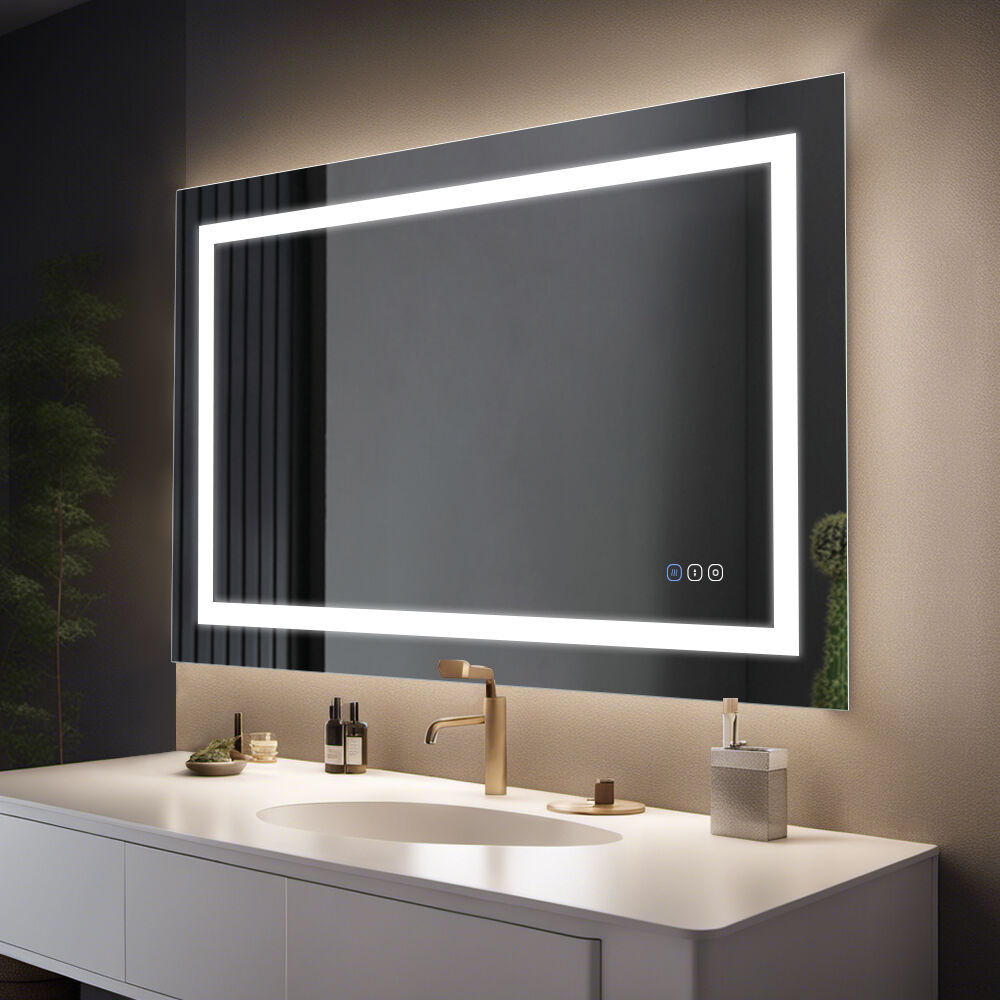
Diagnosing and Fixing Smart Mirror Bathroom Lighting Issues
Persistent lighting problems in smart mirror bathrooms often stem from power instability or component degradation. Voltage fluctuations cause 43% of premature LED failures in humid environments (Electrical Safety Foundation 2023), making stabilization critical.
Stabilizing LED Power Supply and Resolving Voltage Fluctuations
Start checking what kind of voltage comes out of your wall socket using a good quality multimeter first thing. If it regularly shows numbers under 110 volts or over 125 volts, that probably means there's something wrong with the electrical grid where you live. Get yourself some decent surge protectors rated for at least 1500 joules to handle those sudden power surges. And don't forget about voltage regulators when regular changes go beyond plus or minus 10 percent either. When dealing with equipment that has batteries backing them up, make sure to check how long they actually last every month. Time to swap out those old cells once the run time starts getting shorter than fifteen minutes flat. Safety tip worth remembering: turn off all electricity supply completely before looking inside any device or component. This helps avoid dangerous short circuits nobody wants.
Inspecting Wiring Integrity, LED Drivers, and Circuit Board Health
Systematically examine these elements:
- Wiring: Check for corrosion at junction points, especially in high-humidity zones. Brittle or discolored insulation requires immediate replacement
- LED Drivers: Use thermal imaging to detect overheating components—temperatures above 140°F (60°C) signal imminent failure
- Circuit Boards: Inspect for capacitor bulges or acid leaks, which cause 68% of control module malfunctions
For moisture-sensitive areas, apply conformal coating to circuitry and prioritize silicone-insulated wiring. When replacing LEDs, match lumen output and color temperature within 200K to maintain visual consistency.
Restoring Touch and Motion Sensor Functionality in Smart Mirror Bathroom
Calibrating Capacitive Touch Sensors and Cleaning Conductive Surfaces
Most touch problems happen because the sensors get out of whack over time or there's grime on the surface. Start by getting into the service menu of the mirror to reset those capacitive sensors. This basically brings everything back into balance so it responds properly again. Check underneath where people usually leave behind soap scum, finger marks, or water stains. A good wipe down with some rubbing alcohol (about 70%) and a soft cloth will usually fix that issue. On models where the sensors sit in the frame around the edges, make sure all those tiny cables are still connected properly to the motherboard. Sometimes they just work loose. If things still act up after going through this process, grab a multimeter and check what voltage the touch controller is putting out. Anything under 3.3 volts means something inside the circuit board is wearing out and needs fixing at the component level.
Optimizing IR Sensor Performance Against Ambient Light and Firmware Conflicts
IR motion detectors often struggle when there are competing light sources around or when software gets glitchy. The first thing to try is moving the mirror so it doesn't sit right in front of sunlight coming through windows or those super bright overhead lights that seem to blind everyone. If moving isn't possible, get creative with some sort of physical cover for the IR receiver area. Next step? Check for firmware updates because manufacturers regularly fix those pesky signal processing issues. Make sure to grab patches exclusively from the official website though, not some random third party site. Still getting unwanted alerts? Time to dig into those diagnostic logs and see what's causing interference between the IR signals and other smart gadgets nearby. Want even better control? Most companion apps let users tweak settings, so try cutting down on detection range by about 20 to 30 percent. Focus more on accurately detecting things close by instead of trying to catch everything far away. And as a last resort, consider replacing the entire IR module once compatibility with the specific smart mirror model has been confirmed.
Ensuring Safe and Stable Power Delivery for Smart Mirror Bathroom
Getting consistent power supply is really important if we want our smart mirrors in bathrooms to work properly without any problems. Connecting them directly into the house wiring gives much better stability than trying to use those plug-in adapters or extensions that tend to come loose so easily when there's moisture around. Moisture actually causes most failures in bathroom tech equipment because water conducts electricity so well. When installing these devices professionally, it makes sure everything follows local building regulations too. That means proper GFCI outlets must be installed close to where water might splash onto electrical parts to keep people safe from getting shocked. Smart mirrors with built-in heaters or screens need their own separate circuit breaker rated at least 20 amps otherwise they'll overload and start acting up with flickering displays or complete shutdowns. Putting surge protectors designed specifically for wet areas helps protect expensive internal components from sudden power surges. These protectors last longer in steam filled spaces compared to regular ones found elsewhere in homes. Backup batteries can help keep basic functions running during short power cuts, though advanced features will stop working until main power returns.
Resolving Smart Mirror Bathroom Software Failures and System Instability
Executing Targeted Resets: Soft Reset vs. Factory Reset for Embedded Systems
If an interface stops responding or starts acting strangely, doing a soft reset usually fixes small problems by restarting the OS without losing any user settings. Most people just hold down the power button for around 5 to 10 seconds to get things working again. But when there are serious crashes or messed up settings, a factory reset might be needed instead. This brings everything back to factory defaults, though it wipes out all the custom stuff that was added later. Before going down this route, make sure important files and data have been saved somewhere safe. According to recent research on embedded tech, high end smart mirrors recover from freezes about 92% of the time when users follow the right reset procedures.
Recovering from Corrupted OTA Updates and Boot Loop Scenarios
Interrupted firmware updates can trigger boot loops where the device repeatedly restarts. To recover:
- Disconnect the smart mirror from power for 2 minutes to clear volatile memory
- Reconnect while holding the "Settings" button to access recovery mode
- Reinstall the firmware via USB or authenticated Wi-Fi connection
Ambient voltage fluctuations during updates cause 74% of corruption cases (2023 IoT Failure Analysis). Ensure stable power delivery during updates to prevent partial installations.
FAQ
- What causes LED failures in smart mirror bathrooms? LED failures are often due to voltage fluctuations and high humidity environments. Stabilizing the power supply can help mitigate these issues.
- How can I restore touch sensor functionality in my smart mirror? Calibrate capacitive touch sensors, clean conductive surfaces, and ensure cable connections are secure to restore functionality.
- What should I do if my smart mirror is in a boot loop? Disconnect it from power, access recovery mode, and reinstall firmware to resolve boot loop issues.
- Why is it important to have GFCI outlets near smart mirrors? GFCI outlets protect against electrical shocks in moisture-prone areas, making them crucial for safety.